Power Dragon Login Problems: Fix Can't Access Account or Verification Errors
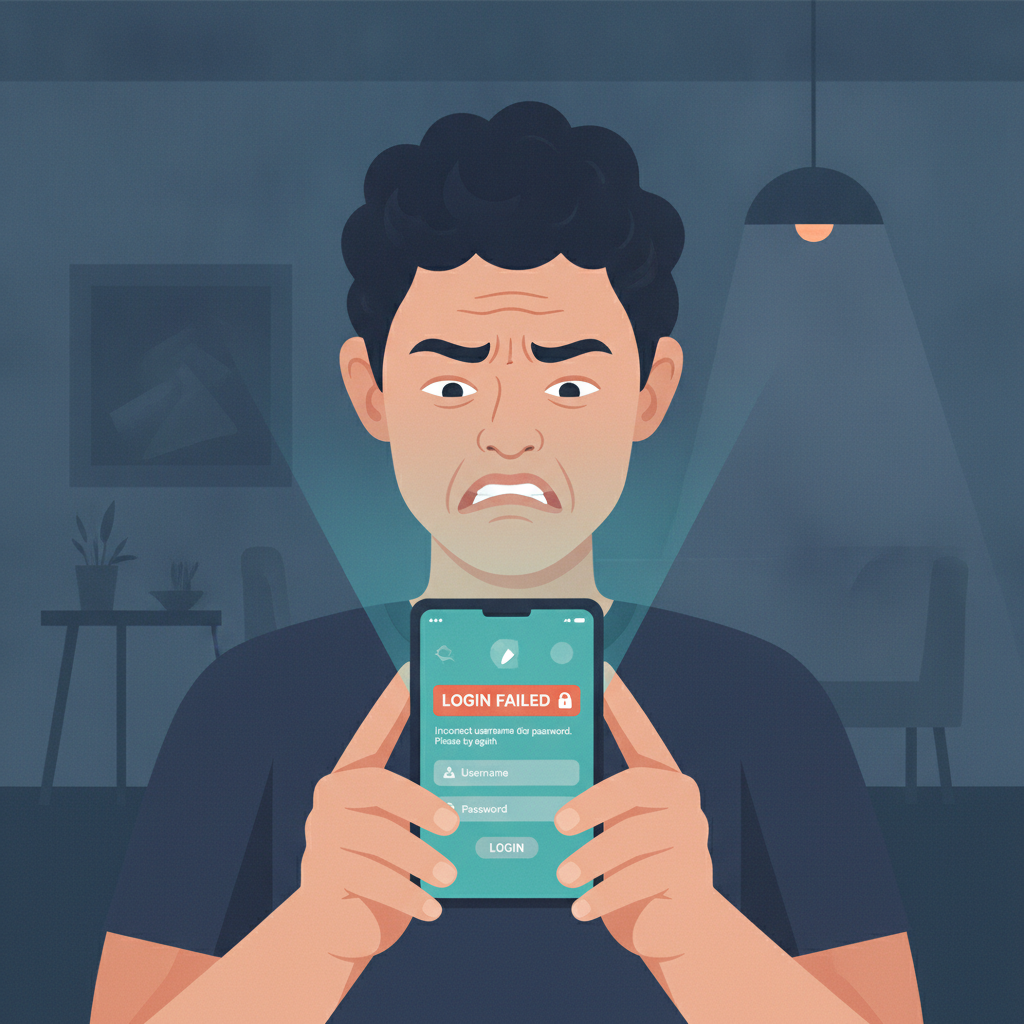
Common Reasons You Can't Log In
When you try to reach your Power Dragon account and see an error, the cause is usually one of four things.
Wrong password or username. If you've typed your login credentials on a small screen or switched between accounts, you may have entered the wrong combination. Power Dragon will show "Invalid credentials" or a similar message. Double-check for extra spaces, CAPS LOCK, or autocorrect mistakes—especially if you use special characters in your password.
Account locked after multiple failed attempts. Power Dragon locks accounts temporarily after several incorrect password tries in a row. This is a security feature to prevent unauthorized access. The platform typically shows a message saying your account is locked or suspended, and you'll need to wait or contact support to unlock it.
Expired session or cached login data. If you were logged in earlier on your Android phone or iPhone and then the app or browser closed, your session may have expired. Sometimes old cookies or cached data conflict with a fresh login attempt, especially after an app update.
Verification or two-factor authentication error. If Power Dragon sent you a one-time PIN by SMS or email and you didn't enter it in time, the code expires. You'll need to request a new one. Network delays or incorrect contact details on file can also block delivery.
Less common issues include server maintenance (Power Dragon will usually post a notice) or an account that has been flagged for document verification. If none of the fixes below work, the problem may sit on Power Dragon's side or require manual review.
How to Reset Your Power Dragon Password on Mobile
If you've forgotten your password or suspect it's wrong, follow these steps to reset it from your phone.
- Open the Power Dragon app or mobile site. Tap the login screen. Look for a "Forgot Password?" or "Reset Password" link, usually below the password field.
- Enter your registered mobile number or email. Power Dragon will ask for the contact detail you used during registration. Type it exactly as it appears in your account—include the +63 country code if the form requires it.
- Request the reset code. Tap "Send Code" or "Submit." Power Dragon will send a one-time PIN to your phone via SMS or to your email inbox. This usually arrives within one to two minutes.
- Check your messages and enter the code. Open the SMS or email, copy the six-digit (or similar) code, and paste it into the app. If you don't see the message, check your spam folder or wait a moment longer—mobile networks in Metro Manila and the provinces can sometimes delay delivery.
- Create a new password. Once the code is verified, Power Dragon will prompt you to type a new password twice. Choose something unique, at least eight characters long, mixing letters, numbers, and symbols. Avoid reusing passwords from GCash, Maya, or your bank accounts.
- Log in with the new password. Return to the login screen and enter your username or mobile number plus the fresh password. You should now be able to access your account, check your peso balance, and continue playing or placing bets.
If the reset link doesn't arrive or you see an error saying your contact detail isn't recognized, your registered number or email may differ from what you typed. In that case, contact Power Dragon support with your account username and any ID you used for verification.
Verification Code Not Arriving or Expired—Troubleshooting Steps
Power Dragon uses SMS or email codes for password resets and sometimes for login verification. If the code never shows up or you see "Code expired," try these fixes.
Wait and retry. Network congestion, especially during peak evening hours in the Philippines, can delay SMS delivery by several minutes. Give it three to five minutes before requesting a new code.
Check your number or email on file. Log in to your Power Dragon account from a browser (if you still have a saved session) or ask support to confirm which mobile number and email are registered. You may have updated your SIM or email address since sign-up and forgotten to change it in your profile settings.
Request a new code. Most platforms let you tap "Resend Code" after a short cooldown—usually 60 seconds. Requesting too many codes in rapid succession can trigger a temporary block, so space out your attempts.
Switch delivery method. If Power Dragon offers both SMS and email verification, try the alternate channel. For example, if the SMS isn't arriving, choose email and vice versa.
Disable call-blocking or spam filters. Some Android phones flag messages from unknown senders as spam. Open your default SMS app's spam folder or settings and whitelist messages containing "Power Dragon" or "OTP." Similarly, check your email spam or junk folder and mark messages from Power Dragon as "Not Spam."
Restart your phone. A quick reboot clears cached network data and can help the messaging app pull new SMS from the carrier's server.
Try a different network connection. If you're on mobile data in a weak-signal area, switch to Wi-Fi or move closer to a window. Conversely, if Wi-Fi is unstable, switch to cellular.
If none of these steps work and you still cannot receive a code after 10–15 minutes, the issue may be on Power Dragon's side (email server delay, SMS gateway problem) or your number might be registered incorrectly. Proceed to contact support.
When to Contact Power Dragon Support and What Info to Provide
Reach out to Power Dragon's customer service team if:
- You've tried resetting your password twice and the code never arrives.
- Your account is locked and the automatic unlock period has passed (usually 30 minutes to a few hours).
- You see a message saying your account is "under review" or "suspended."
- Verification keeps failing even though you're entering the correct code.
- You no longer have access to the mobile number or email on file and cannot reset your password.
How to contact Power Dragon support. Look for a "Help," "Support," or "Contact Us" button in the app menu or on the mobile website footer. Power Dragon typically offers live chat (fastest), email, and sometimes a customer-service phone number or Viber channel. Live chat is the quickest route during daytime hours.
What to include in your message.
- Your username or registered mobile number. This helps the agent locate your account quickly.
- A clear description of the error. For example: "I tapped Forgot Password, entered my number +639171234567, but no SMS code arrived after 10 minutes."
- Screenshot of the error message (if possible). Use your phone's screenshot tool and attach the image in chat or email.
- Date and time you tried to log in. This helps the support team check server logs.
- Any recent account activity. Mention if you made a GCash deposit, requested a withdrawal, or updated profile details just before the login problem started.
Response time. Live chat often replies within minutes. Email tickets may take a few hours to one business day. Be patient but persistent—if you don't hear back within 24 hours, send a polite follow-up.
Verification during support contact. The agent may ask you to confirm identity details: full name as registered, date of birth, last deposit amount, or the bank account or e-wallet you linked. Have your ID and recent transaction records ready on your phone to speed up the process.
Once your identity is confirmed, Power Dragon support can manually unlock your account, update your contact details, or issue a temporary password so you can log in and set a new one.
21+ Only, Play Responsibly
Power Dragon is intended for players aged 21 and over. Online casino games, sports betting, and bingo carry financial risk. Never bet more than you can afford to lose, and treat gaming as entertainment rather than a way to make money.
If you find yourself logging in compulsively, chasing losses, or hiding your play from family, it may be time to take a break. Power Dragon offers account cool-off and self-exclusion options in the responsible-gaming section of your profile settings. You can also reach out to organizations such as the National Center for Mental Health in the Philippines for confidential support.
Set a peso budget before each session, use deposit limits if Power Dragon provides them, and keep your login credentials secure. Never share your password with friends or fixers who promise "guaranteed wins"—account sharing violates terms of service and puts your funds at risk.
By keeping these troubleshooting steps handy, you'll be able to resolve most Power Dragon login problems on your own and get back to your favorite slots, live dealer tables, or PBA and NBA bets quickly and safely.